Third party cookies on ServiceDesk site

Our support site ServiceDesk (servicedesk.logpoint.com) has a different domain name to Zendesk Inc. (zendesk.com).
Hence, it is required that the third-party cookies be enabled for the support site to function properly.
What happens if we block third-party cookies on our browser?
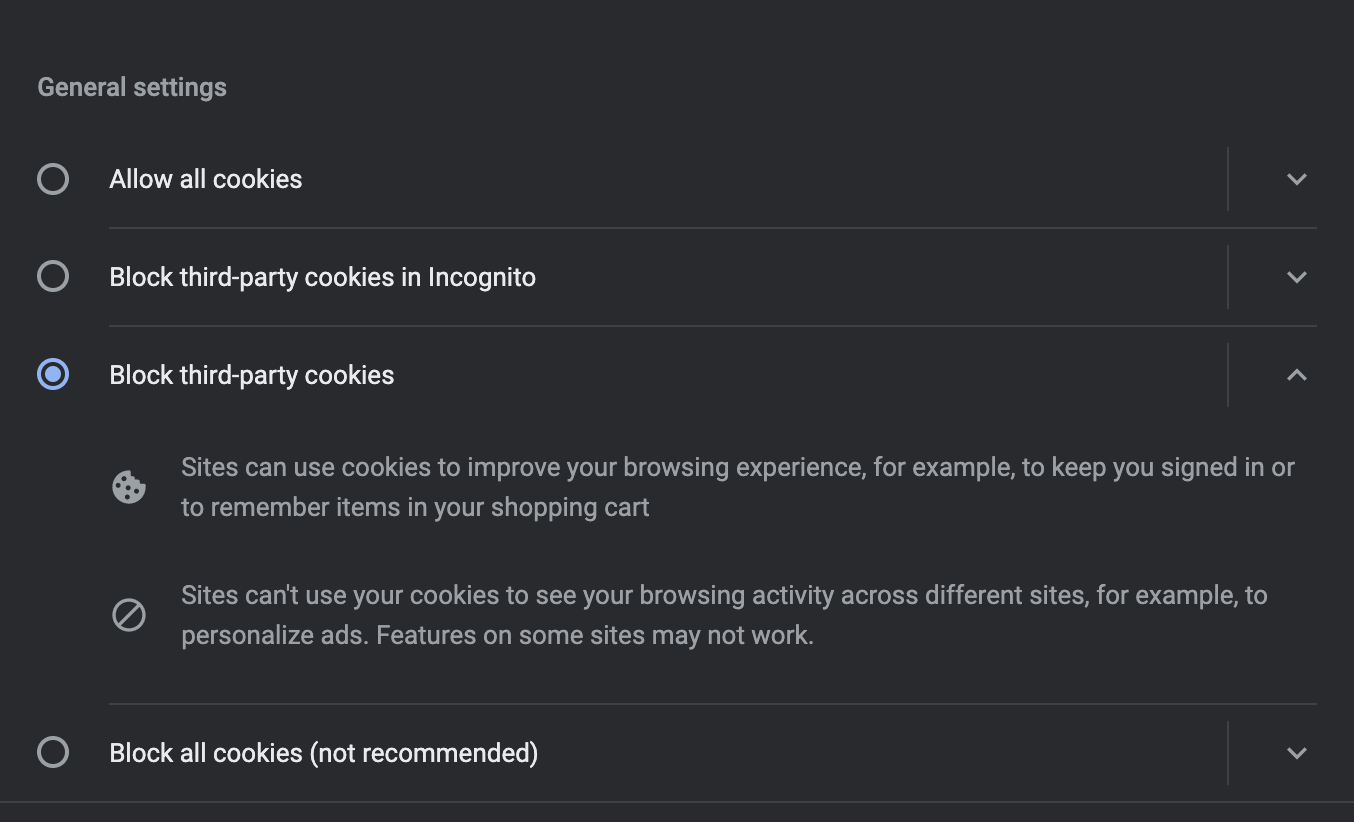
With the above settings configured, if we attempt to login into ServiceDesk, we get the following error.
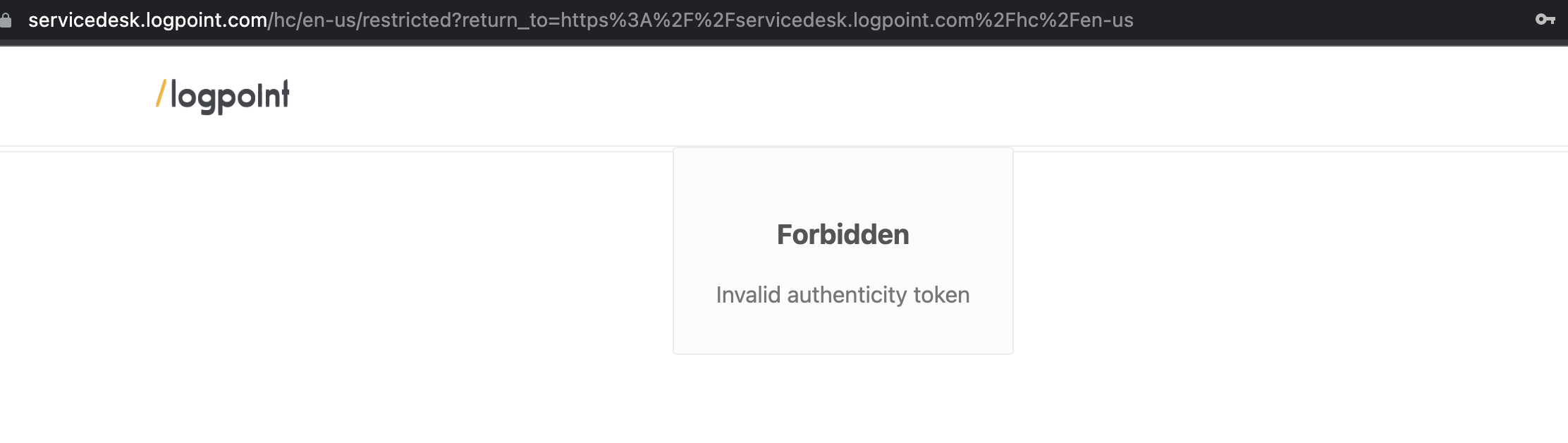
Note: For the above test, we have used Chrome as our browser.
Why and when are third-party cookies required?
Third-party cookies are required to be enabled during the authentication while logging into the ServiceDesk site.
While submitting the login form, the following request (truncated) is issued to logpointsupport.zendesk.com

If third-party cookies are disabled, we get the following errors in the console.

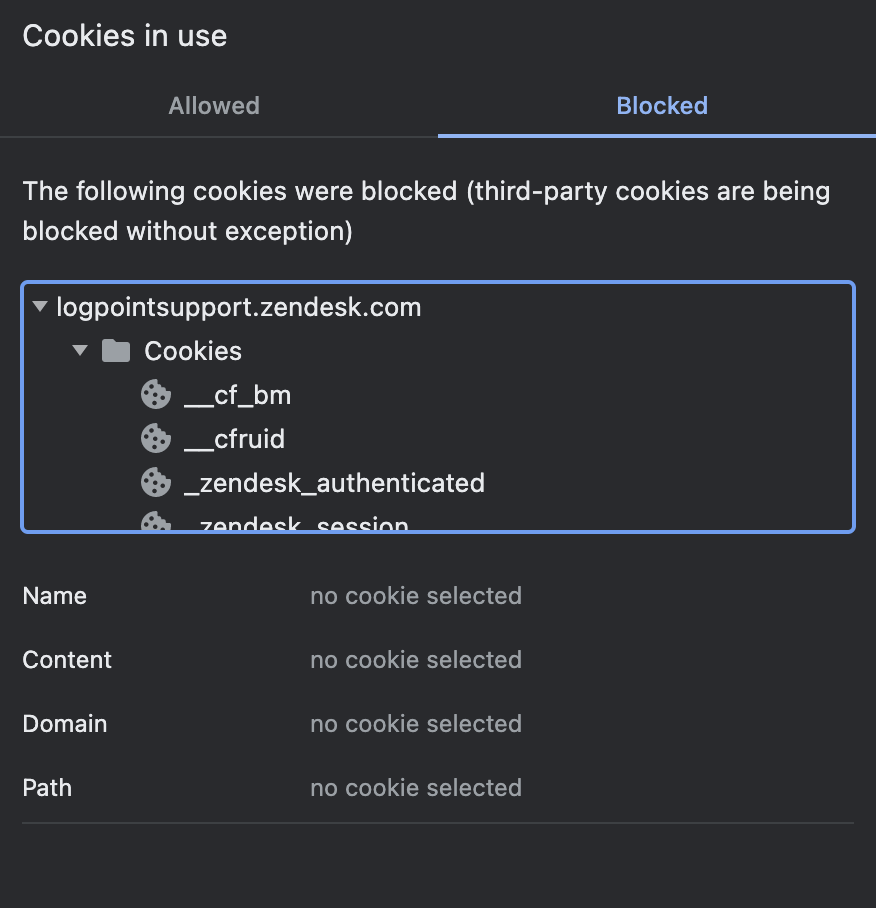
The site is not able to access the following blocked cookies from logpointsupport.zendesk.com and hence, we are unable to log in.
Solution
The simplest solution to this issue is to enable third-party cookies by visiting your browser's Privacy and Security settings.
But, if you don't want third-party cookies to be enabled for all the sites, you can only enable it for servicedesk.logpoint.com by following the steps below.
1. Click on the Lock sign beside the URL bar.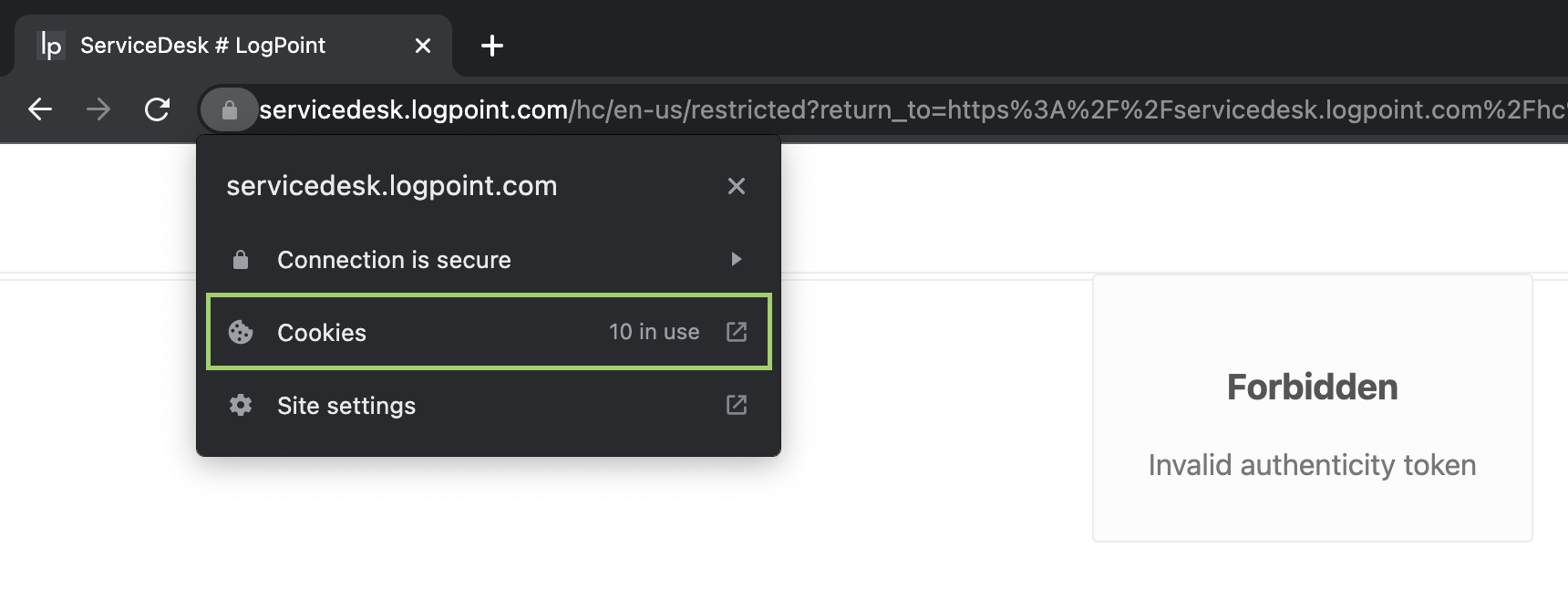
2. Click on 'Cookies'. You will now see the list of Allowed and Blocked cookies.
3. Click on 'Blocked' to list the blocked cookies.
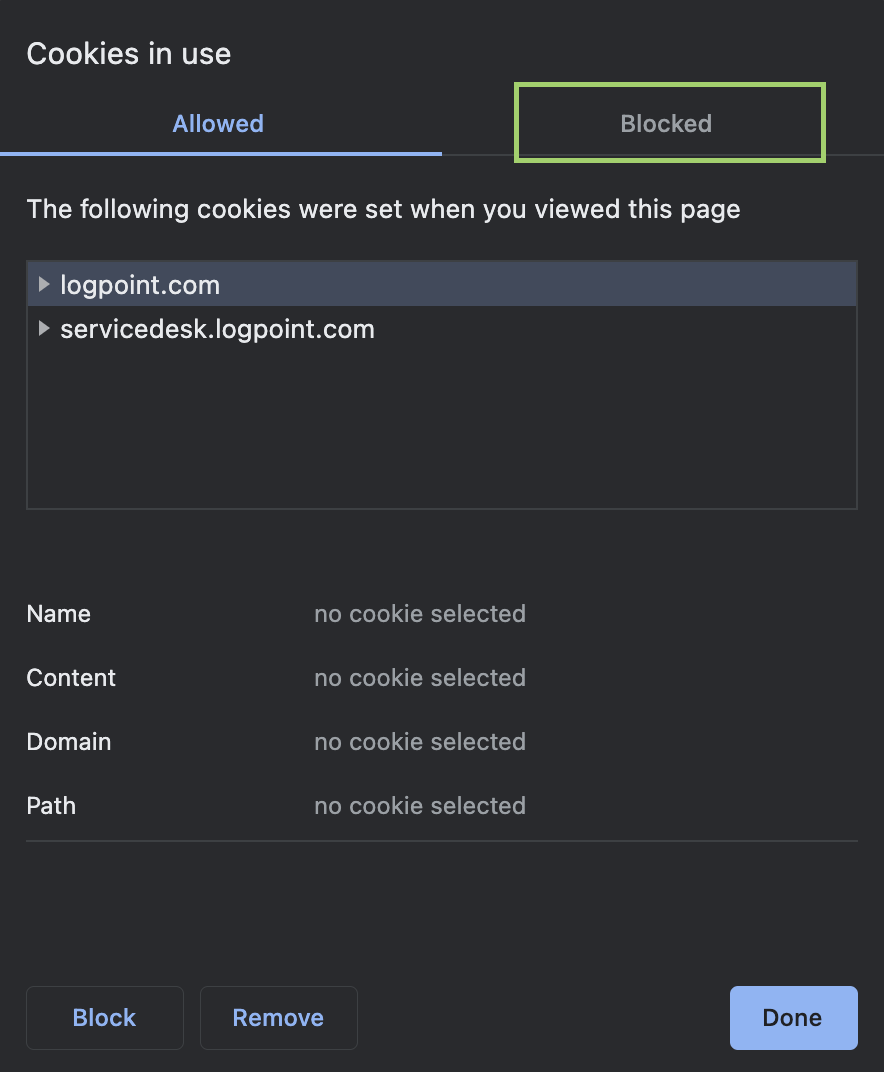
4. Select logpointsupport.zendesk.com and allow it by clicking on 'Allow'.
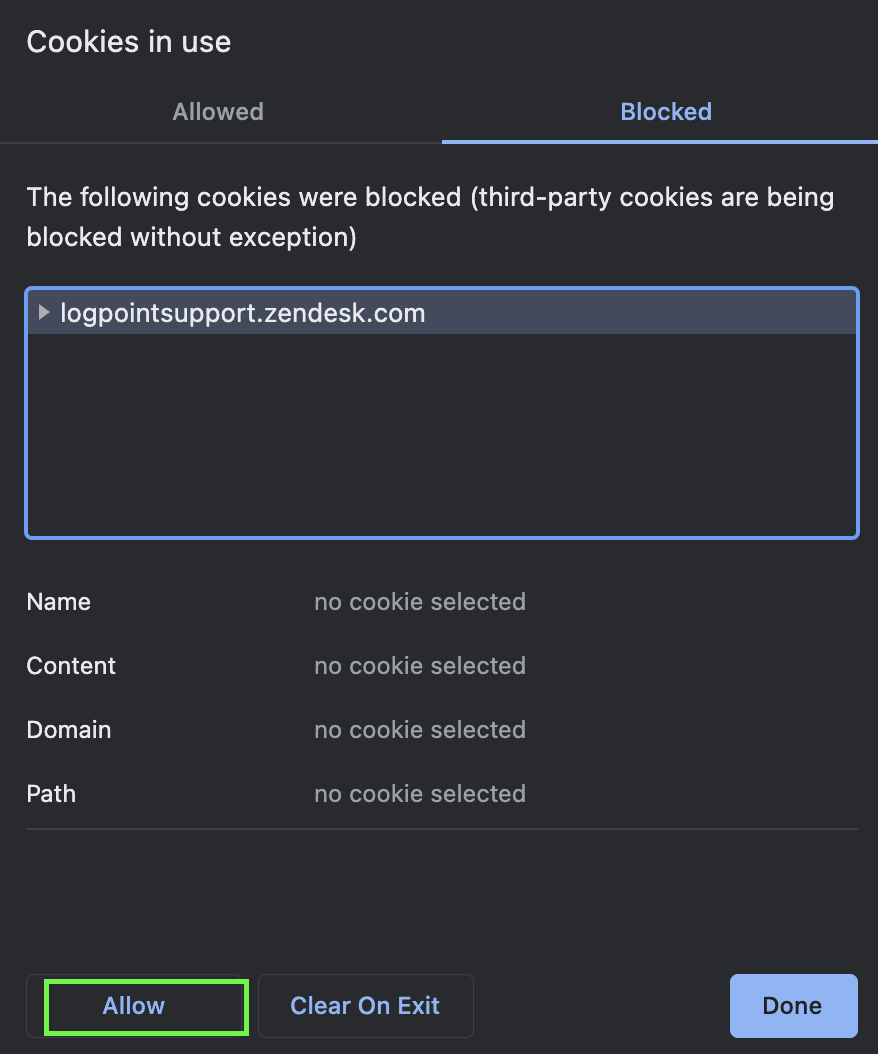
5. Click on 'Done'.
6. Reload the tab.
You should now be able to login to ServiceDesk without any issues.
Comments
Please sign in to leave a comment.